You can pay your order by:
Bitcoin – via BTCPay
Cryptocurrency – via Plisio (more than 15 coins available)
Credit Card & others – 💳 Supported Payment Platforms:
✅ Coinbase (Visa, MasterCard)
✅ Simplex (Visa, MasterCard, Apple Pay, Google Pay)
✅ Banxa (VISA, MasterCard, Bank Wire, Apple Pay, Google Pay)
✅ Blockchain.com (Visa, MasterCard)
✅ Binance
Cryptocurrency via BTCPay
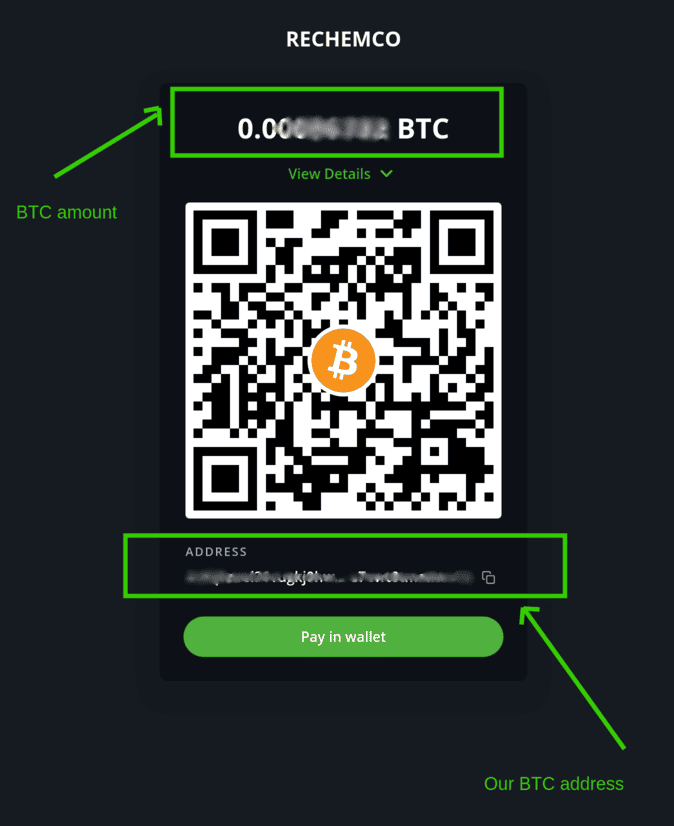
After the check-out you will be redirected to BTCPay payment and follow the instructions on the website.
You can just scan the QR code ,
or copy amount and BTC address and pay from your wallet.
Cryptocurrency via Plisio
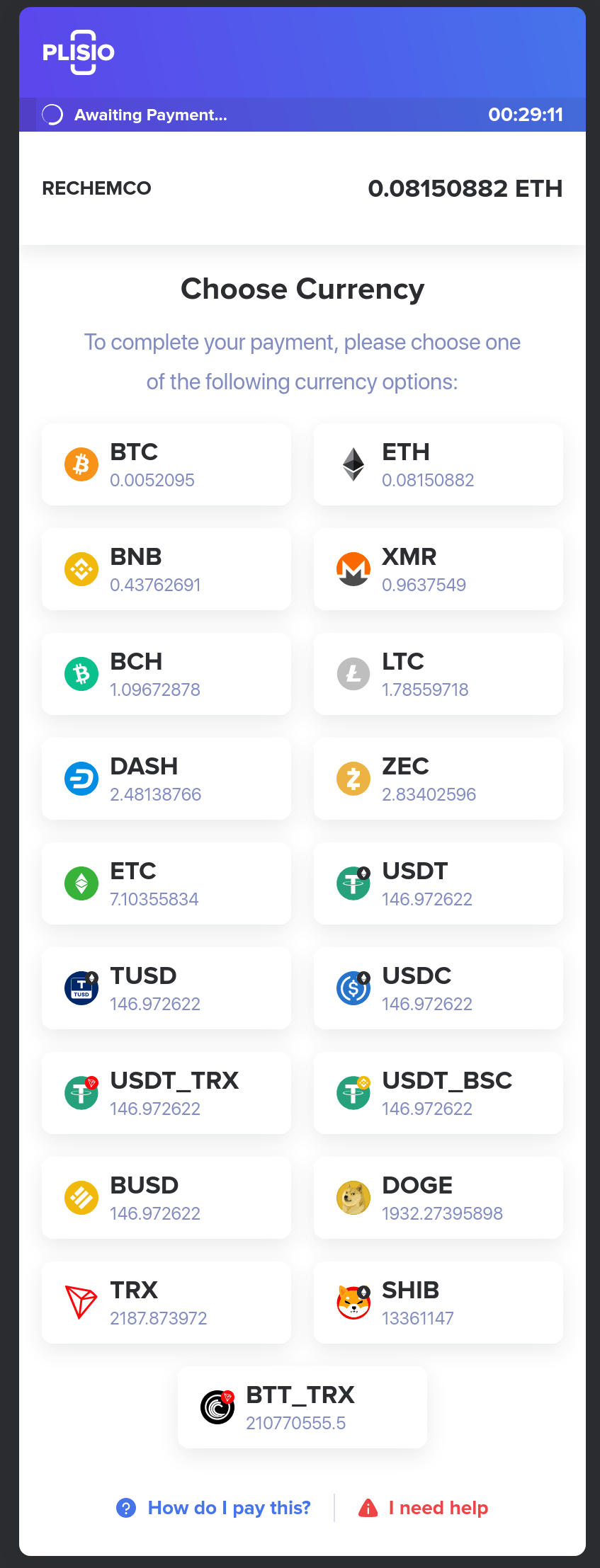
After the check-out you will be redirected to Plisio payment:
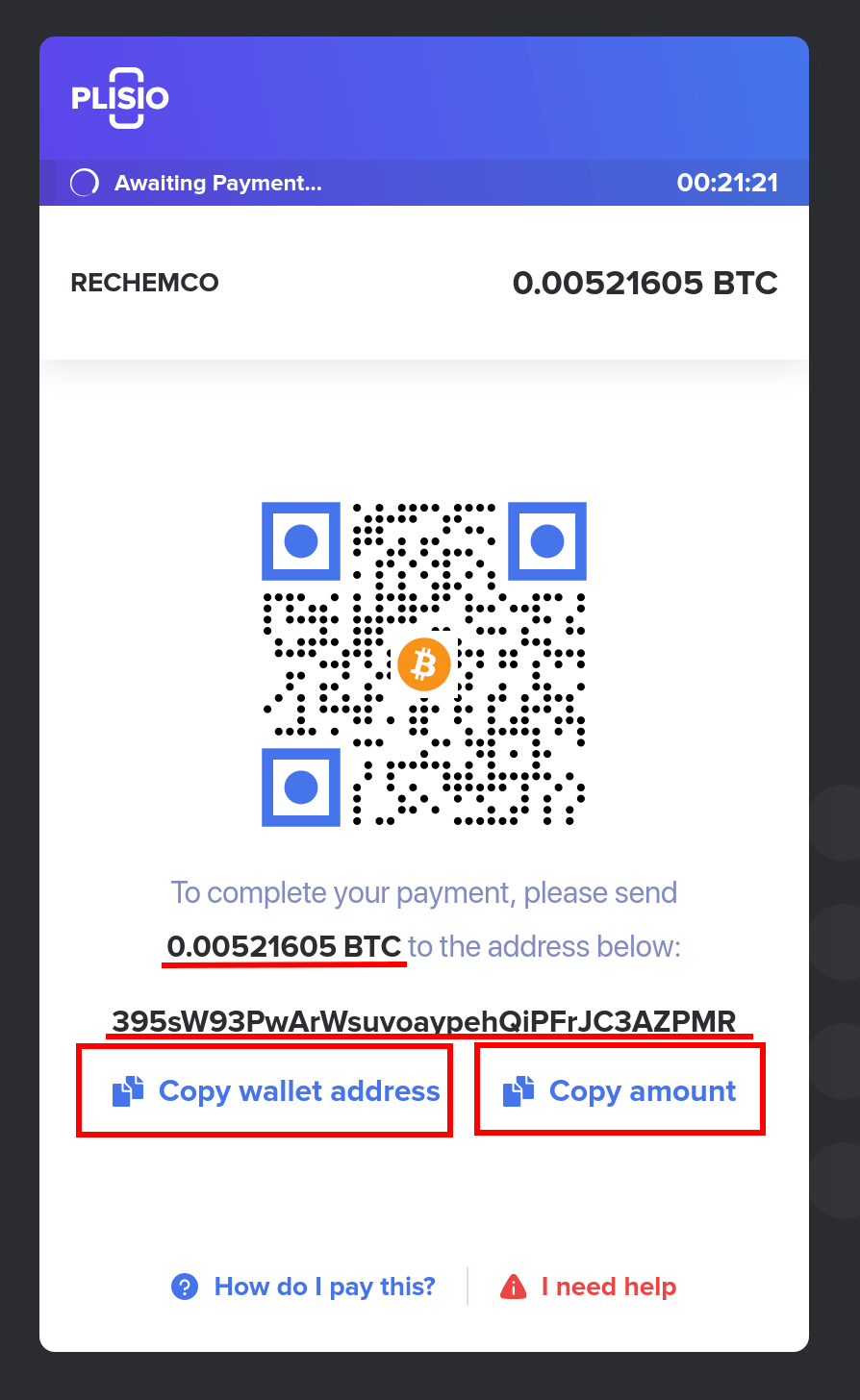
Select the favorite coin and on the next page you can select how to pay.
Here a detailed guide “how to pay by Plisio” https://plisio.net/faq/how-to-pay-an-order-with-cryptocurrency
REMINDER:
Higher fee are paid for the transaction and faster the payment will be confirmed from the blockchain.
The payment must be done quickly because the Bitcoin price is swinging continuously, so please send the payment before the countdown ends or your order will expires.
If expired please just place a new order when you are ready for the payment.
If you paid an expired order, you have to contact us via e-mail or Telegram and write the following information:
– order number from us (e.g.#R-1234-12345)
– order number from Plisio (e.g. #12345)
– transaction hash (e.g. d1cc12a97d3a5688d8a88b828a8ad988bb77c40c8946c900846ee7bdc8bba5fb).
THE ORDER IS PAID BUT STATUS SHOW AS “CANCELLED”
After the purchase your order status will be “Cancelled”, no worries!
We check every single order and updated the status to “Processing” manually.
If the order doesn’t change status in 24-48h, please write us a mail with the following information:
– order number from us (e.g.#R-1234-12345)
– order number from Plisio (e.g. #12345)
– transaction hash (e.g. d1cc12a97d3a5688d8a88b828a8ad988bb77c40c8946c900846ee7bdc8bba5fb).
Purchase cryptocurrencies easily:
KuCoin.com (suggested)
Check the status of your transaction:
– via Moonpay, Crypto.com and Binance.com
You will be redirected to the payment page, then you have just follow the instruction.
💳 Supported Payment Platforms:
- Crypto.com (VISA, MasterCard)
- MoonPay (VISA, MasterCard, Bank Wire, PayPal, Apple Pay, Google Pay)
- BINANCE
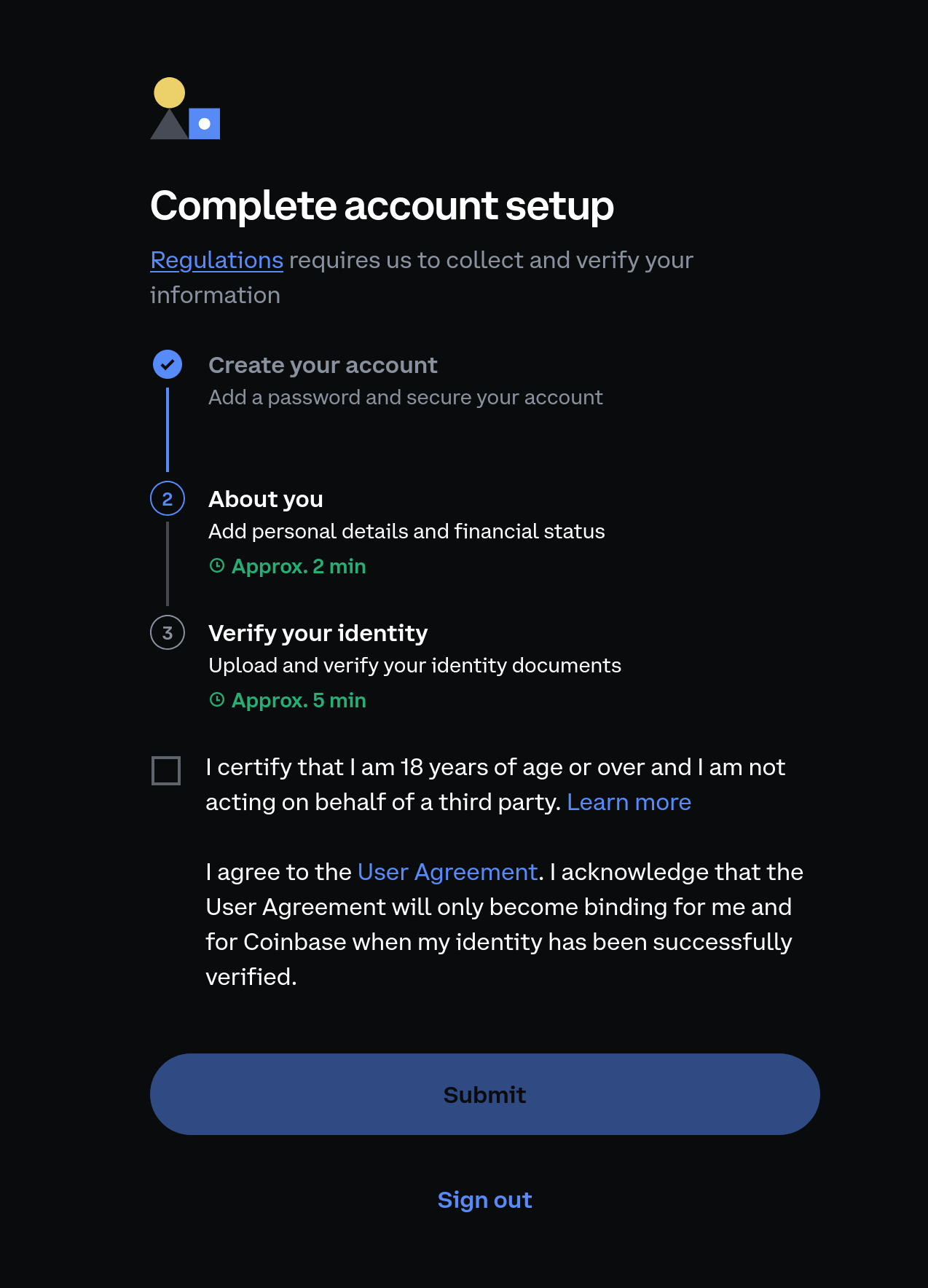
- Create your account
Add a password and secure your account - About you
Add personal details and financial status - Verify your identity
Upload and verify your identity documents